For residential, kitchen and bath designers
Your design, rendered.
Not redesigned.
Drop in a Chief Architect, SketchUp or 2020 Design screenshot. Get a photoreal render, plus a redline check that lists anything the AI changed.
No card · Renders by email within a day
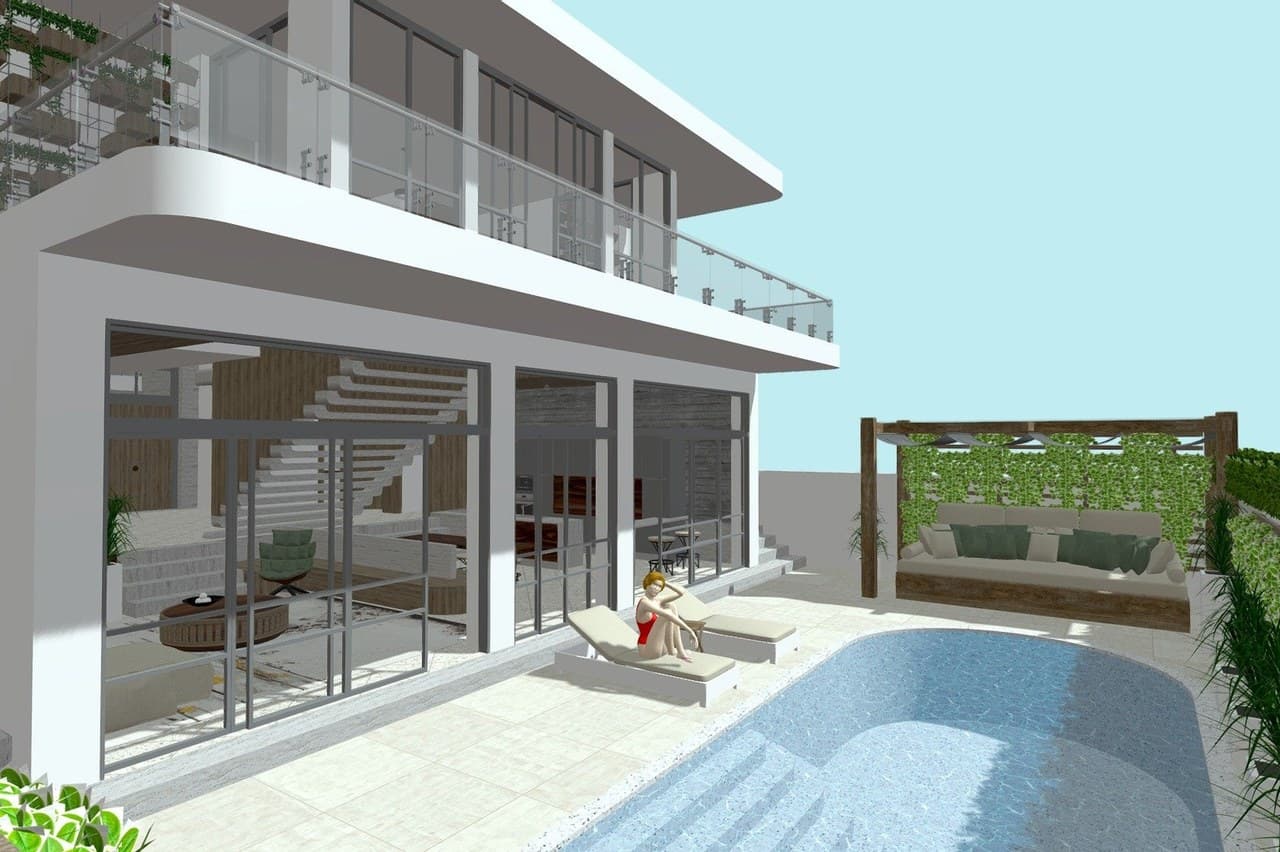
- 1 Pool and entry stepschecking
- 2 Glass balcony railchecking
- 3 Sliding glass doorschecking
- 4 Pergola and daybedchecking
Works with screenshots from
- Chief Architect
- SketchUp
- 2020 Design
- Revit
- Home Designer Pro
- Hand sketches
Free AI makes a beautiful render of a slightly different kitchen.
Most tools redraw what they see. A faucet turns chrome, a drawer appears under the oven, a handle changes shape. Your client approves the picture, then asks why the finished job does not match it.
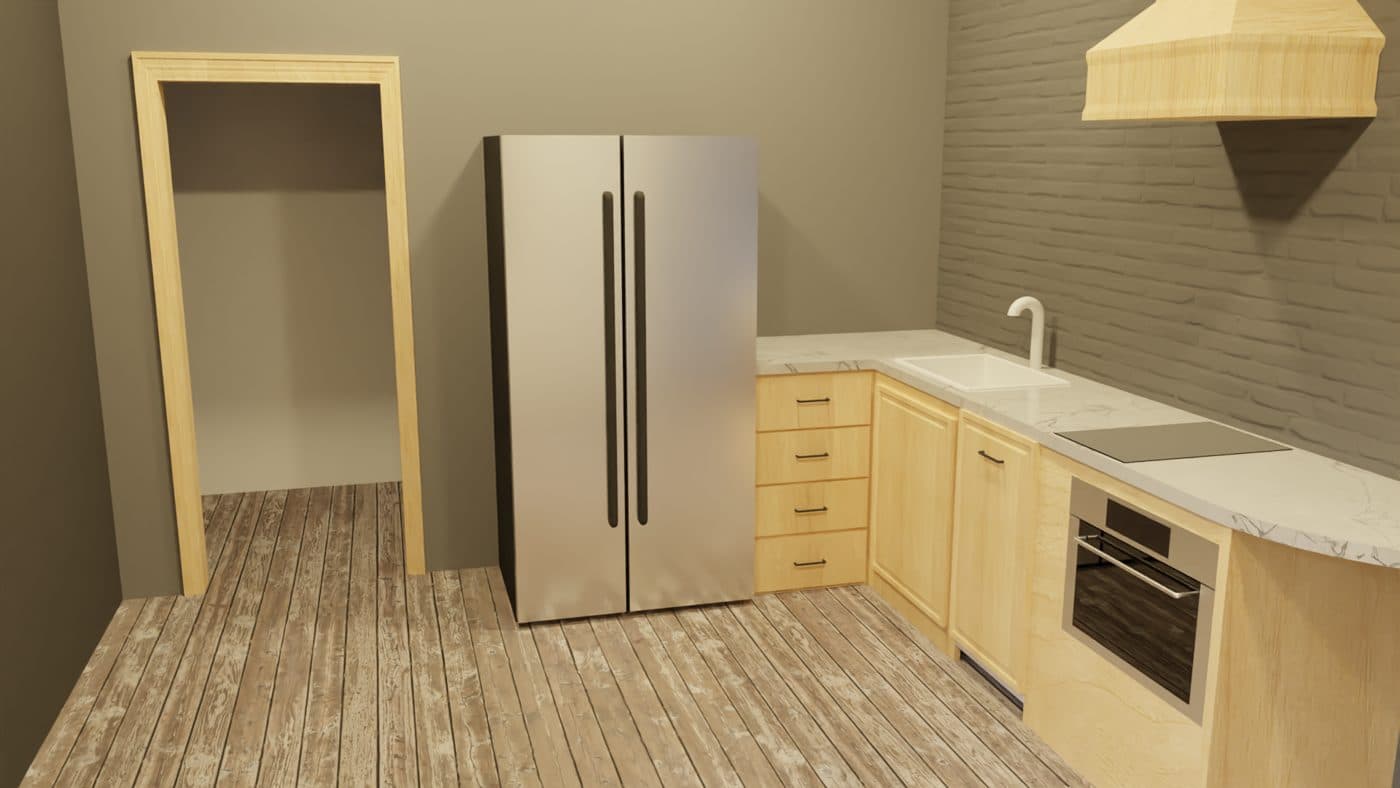
White faucet, four drawer stack, plain panel under the oven.
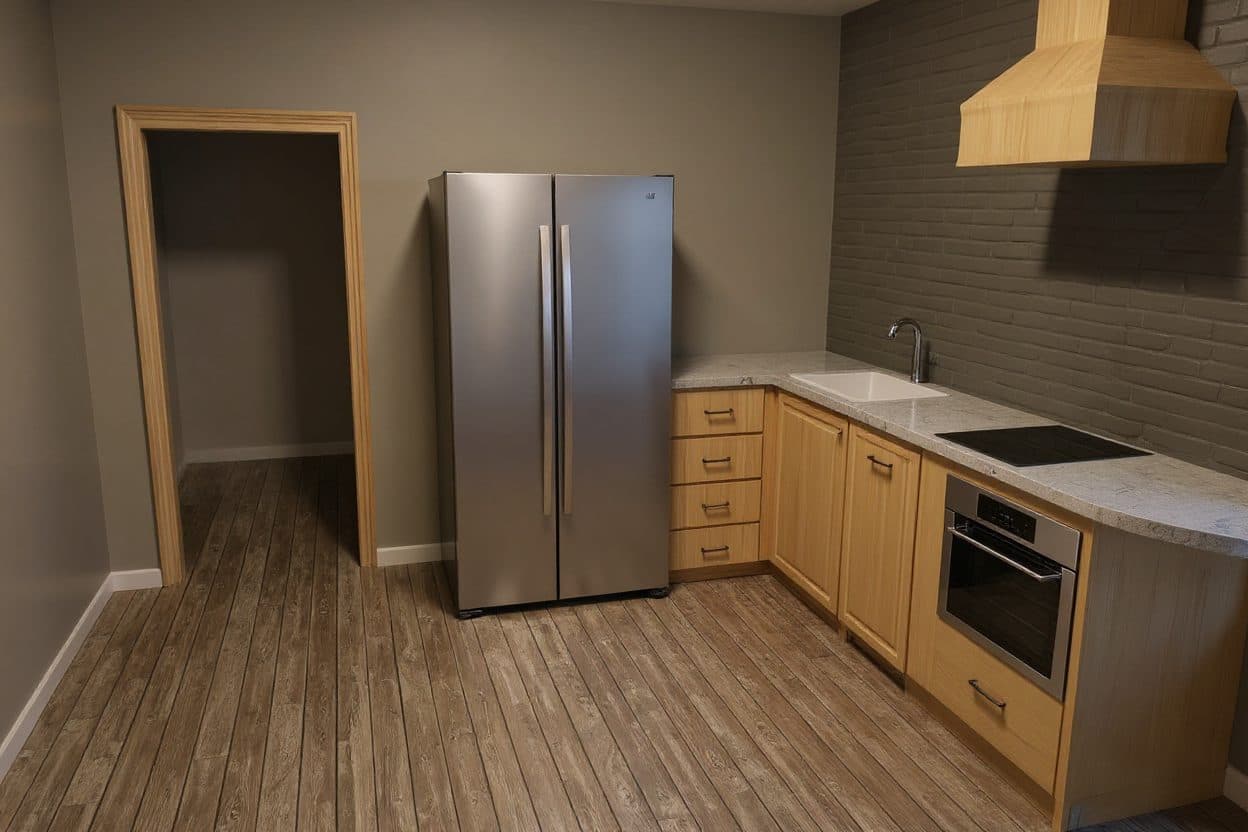
- 1 Faucet changed from white to chrome
- 2 Drawer added under the oven
- 3 Fridge handles replaced
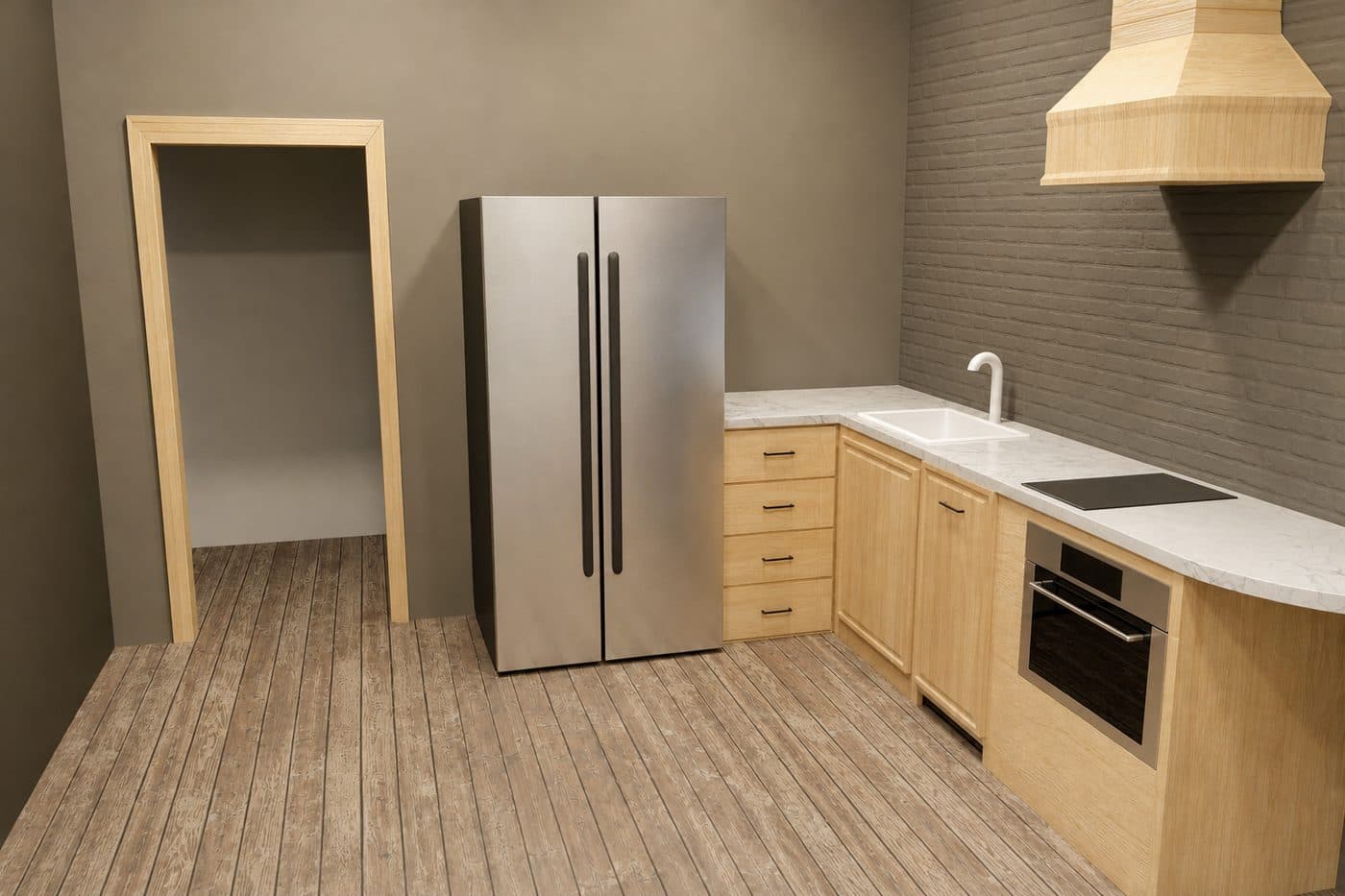
- Faucet, drawers and oven panel match
- Hood, hob and sink match
- Finishes match
The render your client approves should match the drawing your crew builds.
Three steps from screenshot to render
- kitchen view 3.pngSTEP 01
Upload a screenshot
Export a view from Chief Architect, SketchUp, 2020 Design or Revit. A photo of a hand sketch works too.
- STEP 02
Pick the look
Time of day, season and setting. Add a line about materials if you like. No prompt writing needed.
- STEP 03
Get the render and the report
A photoreal image plus a checklist of what stayed and what changed. If anything moved, we render it again for free.
Kitchens, pools and homes.
Every one rendered as drawn.
Twelve designer 3D models from our tests: kitchens, living rooms, baths, villas and pools. Each render passed the check with zero redlines. Tap any pair to compare it full size.
 A
A B
B A
A B
B A
A B
B A
A B
B A
A B
B A
A B
B A
A B
B A
A B
B A
A B
B A
A B
B A
A B
B A
A B
BBuilt for people who sell from a spec
Your spec stays put
Cabinets, appliances, fixtures, windows and rooflines stay where you drew them.
It shows its work
Every render comes with a redline check, so you see what was checked before your client sees the picture.
Nothing to install
Works from a screenshot of whatever you design in. No plugin, no new software to learn.
Ready for the client
Sharp images for proposals, and a before and after link you can send to the homeowner.
We tested it before we asked you to trust it
We ran the same drawings through thirteen AI models, graded every render by hand, then ran our check on each one to see what it would catch.
- AI image models compared on the same drawings
- 13
- renders graded one by one, by eye
- 293
- renders that changed the design were caught by the check
- 58 of 59
- renders in our kitchen, bath and landscape test kept the spec
- 12 of 12
All figures from our own test runs, October 2026.
Try it on a real project first
- Use them on any project, no expiry
- 4K downloads for proposals
- Founding price on monthly plans later
If a render changes your design, we redo it free.
What can I upload?
A screenshot or export from Chief Architect, SketchUp, 2020 Design, Revit, Home Designer Pro or any 3D tool, an elevation drawing, or a photo of a hand sketch. JPG, PNG or PDF.
How is this different from ChatGPT?
ChatGPT redraws the scene and often changes details along the way. We render with the model that kept geometry best in our tests, then check every render against your drawing and list anything that changed.
What if a render changes my design?
The check flags it with a redline and we render it again at no cost. A render that changed your design never counts against your pack.
How long does it take?
During early access, renders arrive by email within one business day.
Are my client's designs kept private?
Your files are used only to make your renders. They are never used to train AI models, and we delete them after 30 days.
Can I change a material or color?
Yes. Tell us what to change, such as the cabinet color, and the check confirms that everything else stayed the same.
Do I need to install anything?
No. There is no plugin for Chief Architect or SketchUp. You upload a screenshot in your browser.
Send us a design you are working on
We send back three photoreal renders and the redline check. No card needed.
Get 3 free renders